


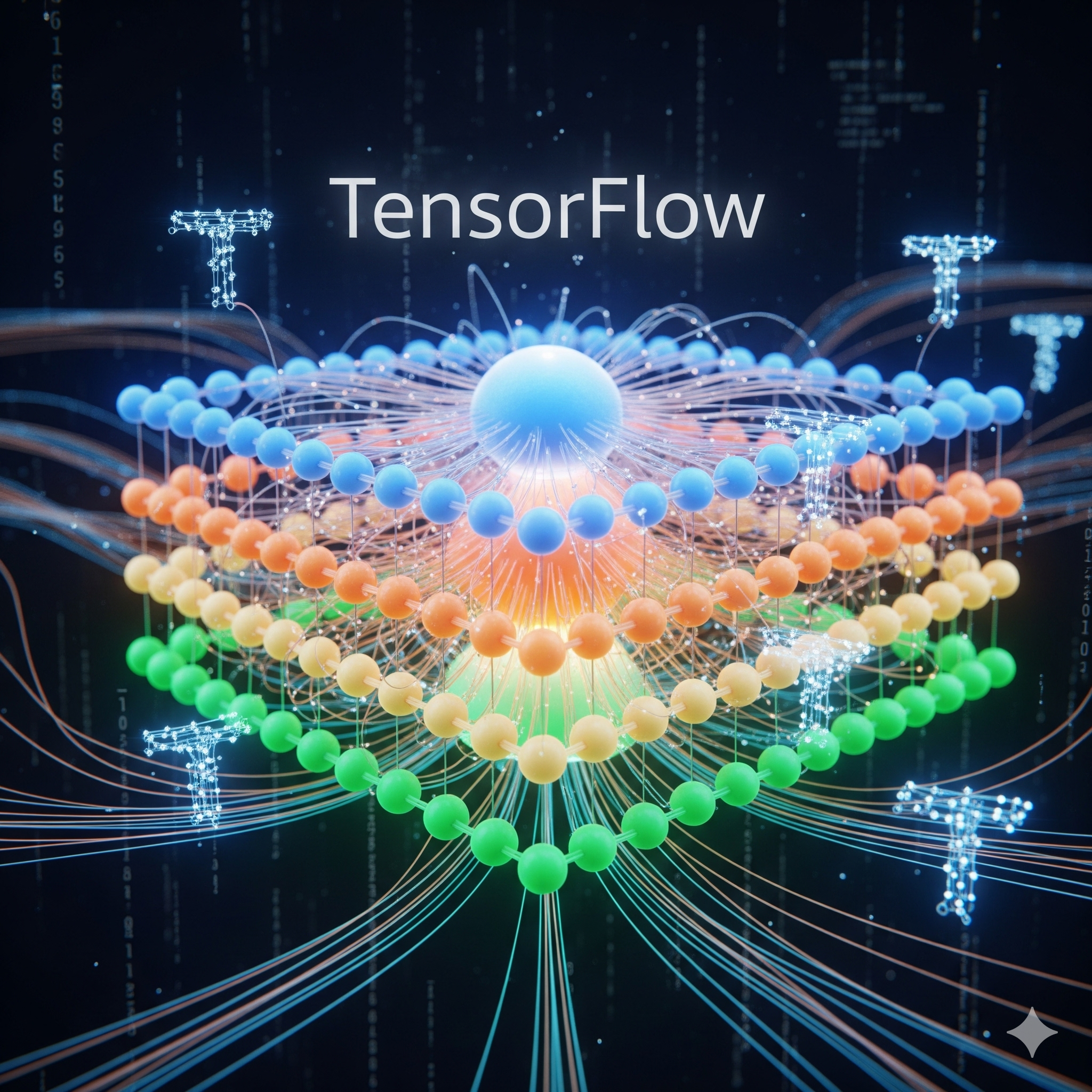
Welcome to this beginner-friendly tutorial on building your first neural network using TensorFlow! If you're new to machine learning, you're in the right place. This guide will walk you through the process step by step, with plenty of code examples and explanations along the way.
What is a Neural Network?
Neural networks are computing systems inspired by the biological neural networks that constitute animal brains. They consist of interconnected nodes (neurons) that process and transmit information. These networks can learn to perform tasks by considering examples, generally without being programmed with task-specific rules.
Prerequisites
Before we begin, make sure you have the following installed:
- Python 3.7 or higher
- TensorFlow 2.x
- NumPy
- Matplotlib (for visualization)
pip install tensorflow numpy matplotlibStep 1: Import Required Libraries
Let's start by importing the necessary libraries for our neural network:
import tensorflow as tf
from tensorflow import keras
import numpy as np
import matplotlib.pyplot as plt

print("TensorFlow version:", tf.__version__)
Step 2: Load and Prepare the Dataset
For this tutorial, we'll use the classic MNIST dataset of handwritten digits. This is a great dataset for beginners because it's well-documented and relatively simple.
# Load MNIST dataset
(x_train, y_train), (x_test, y_test) = keras.datasets.mnist.load_data()

# Normalize pixel values to be between 0 and 1
x_train = x_train / 255.0
x_test = x_test / 255.0

# Reshape data for the neural network
x_train = x_train.reshape(-1, 28, 28, 1)
x_test = x_test.reshape(-1, 28, 28, 1)

print("Training data shape:", x_train.shape)
print("Testing data shape:", x_test.shape)
Step 3: Build the Neural Network Model
Now let's create our neural network architecture. We'll use a simple convolutional neural network (CNN) which works well for image classification tasks.
model = keras.Sequential([
    keras.layers.Conv2D(32, (3, 3), activation='relu', input_shape=(28, 28, 1)),
    keras.layers.MaxPooling2D((2, 2)),
    keras.layers.Conv2D(64, (3, 3), activation='relu'),
    keras.layers.MaxPooling2D((2, 2)),
    keras.layers.Flatten(),
    keras.layers.Dense(64, activation='relu'),
    keras.layers.Dense(10, activation='softmax')
])

# Compile the model
model.compile(optimizer='adam',
              loss='sparse_categorical_crossentropy',
              metrics=['accuracy'])

# Display model architecture
model.summary()
Step 4: Train the Model
Now it's time to train our neural network on the MNIST dataset:
# Train the model
history = model.fit(x_train, y_train,
                    epochs=5,
                    validation_split=0.2,
                    verbose=1)

# Evaluate the model on test data
test_loss, test_acc = model.evaluate(x_test, y_test, verbose=0)
print(f"\nTest accuracy: {test_acc:.4f}")
Step 5: Make Predictions and Visualize Results
Let's see how our model performs on some test examples:
# Make predictions
predictions = model.predict(x_test)

# Visualize the first 10 test images and their predictions
plt.figure(figsize=(10, 5))
for i in range(10):
    plt.subplot(2, 5, i+1)
    plt.imshow(x_test[i].reshape(28, 28), cmap='gray')
    plt.title(f"Pred: {np.argmax(predictions[i])}")
    plt.axis('off')
plt.tight_layout()
plt.show()
Conclusion
Congratulations! You've just built and trained your first neural network using TensorFlow. While this is a simple example, it demonstrates the fundamental process of creating and training neural networks for image classification tasks.
As you continue your machine learning journey, you can experiment with different architectures, hyperparameters, and datasets to improve your models' performance.
Remember: The key to mastering neural networks is practice and experimentation. Don't be afraid to try new approaches and learn from your mistakes.
Next Steps
If you enjoyed this tutorial, here are some ways to expand your knowledge:
- Experiment with different neural network architectures
- Try the same approach on different datasets (like CIFAR-10)
- Learn about regularization techniques to prevent overfitting
- Explore transfer learning with pre-trained models
Feel free to share your results and questions in the comments section below!



Comments (3)
Leave a Comment
Great tutorial! I've been wanting to get started with TensorFlow and this was the perfect introduction. The code examples were clear and easy to follow. Looking forward to more content like this!
Thanks for this comprehensive guide. I had some trouble with the installation initially, but the troubleshooting tips in the documentation helped. My model achieved 97.8% accuracy on the test set!
Excellent tutorial for beginners. I appreciate how you explained each step clearly. Would love to see a follow-up on hyperparameter tuning and model optimization techniques.